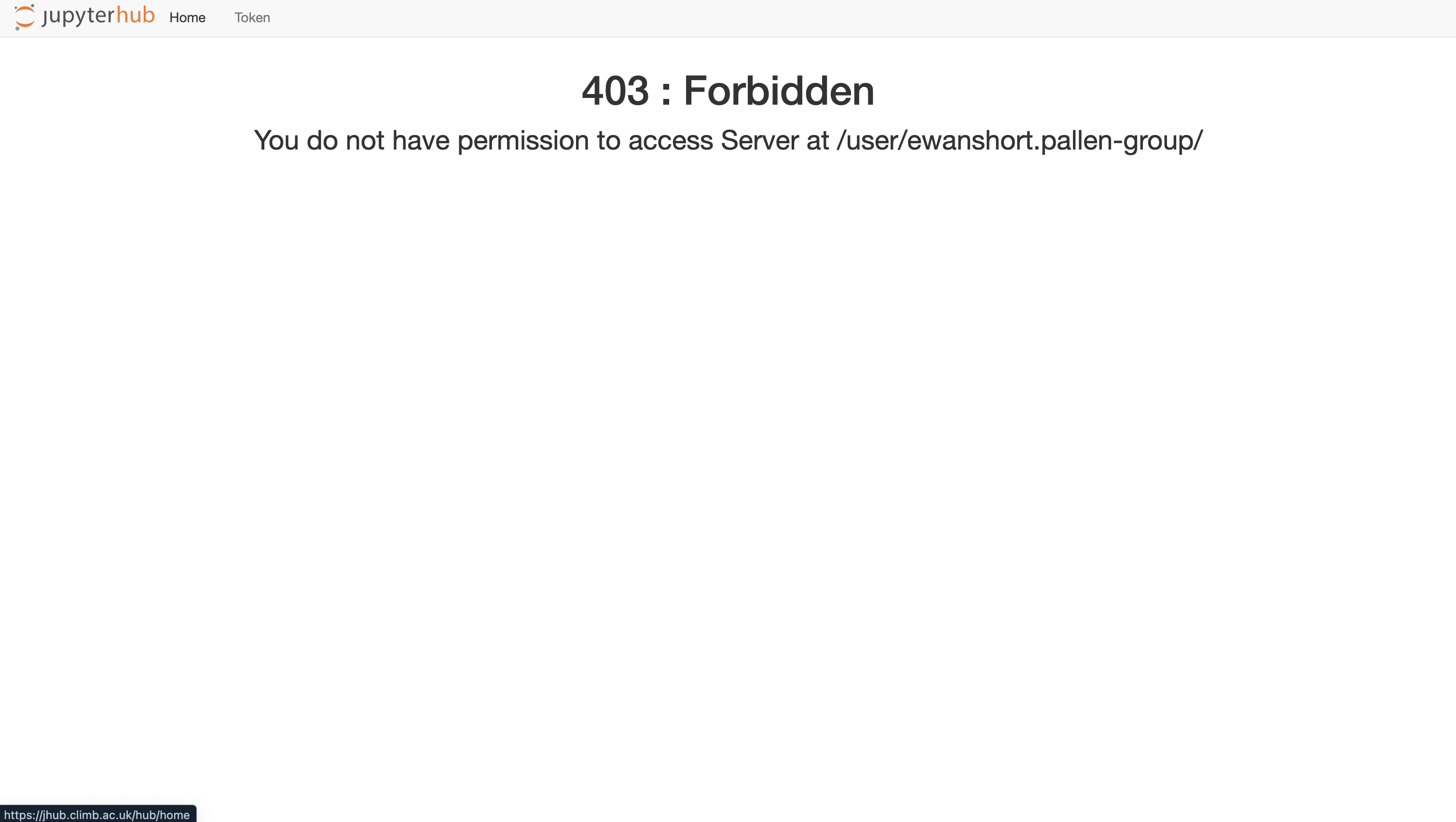
403 Forbidden Error#
Warning
This is the archived documentation, for up to date information see our new Documentation.
This issue commonly arises during transitions between teams within BRYN, especially when users are managing multiple tasks across various teams. It typically occurs when users have a notebook already open in one team and then proceed to switch to another team, attempting to open a new notebook.
Addressing this issue is straightforward with the following steps:
1.) Click either 'Home' or 'Token':
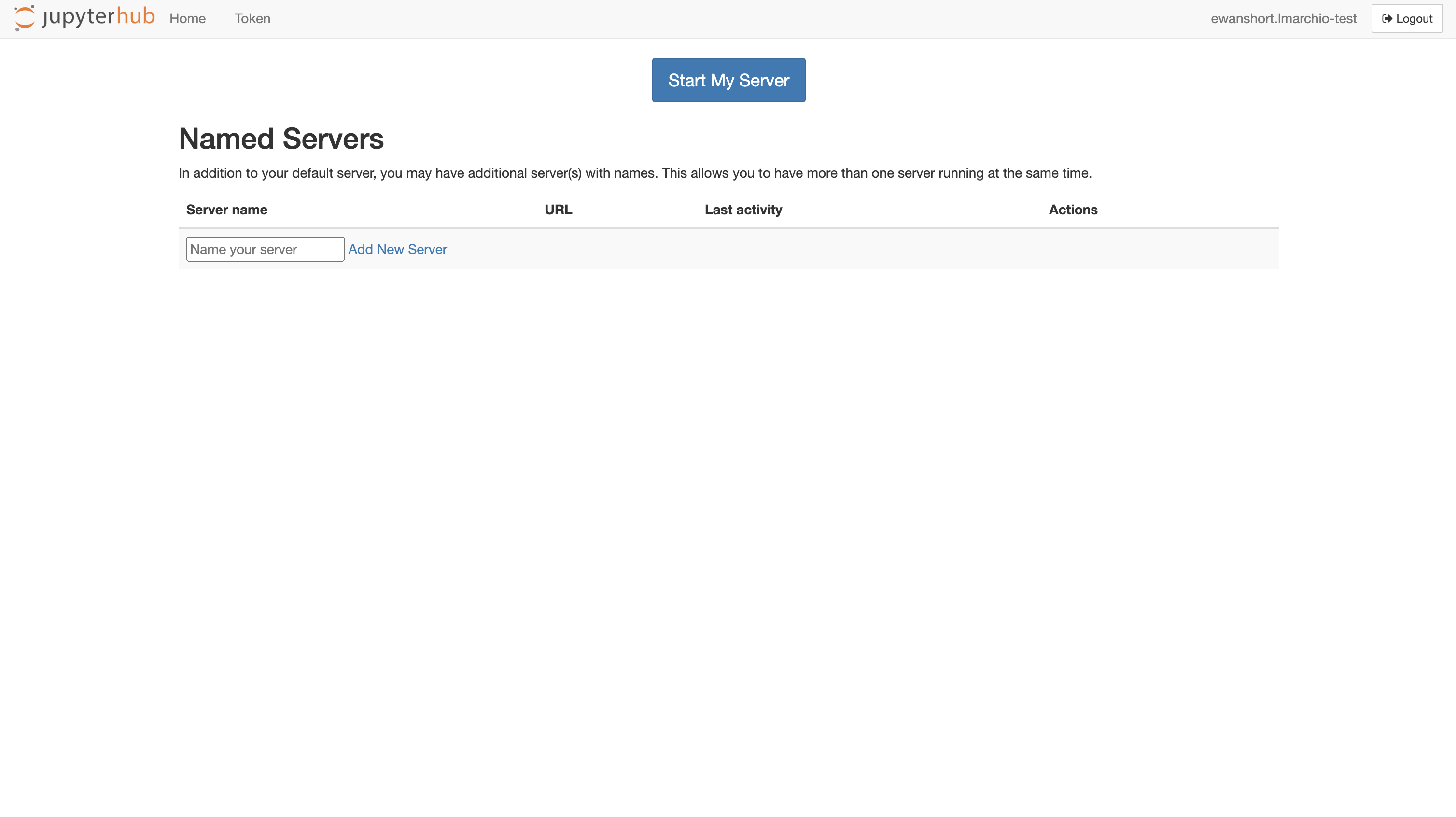
2.) Click 'Logout':
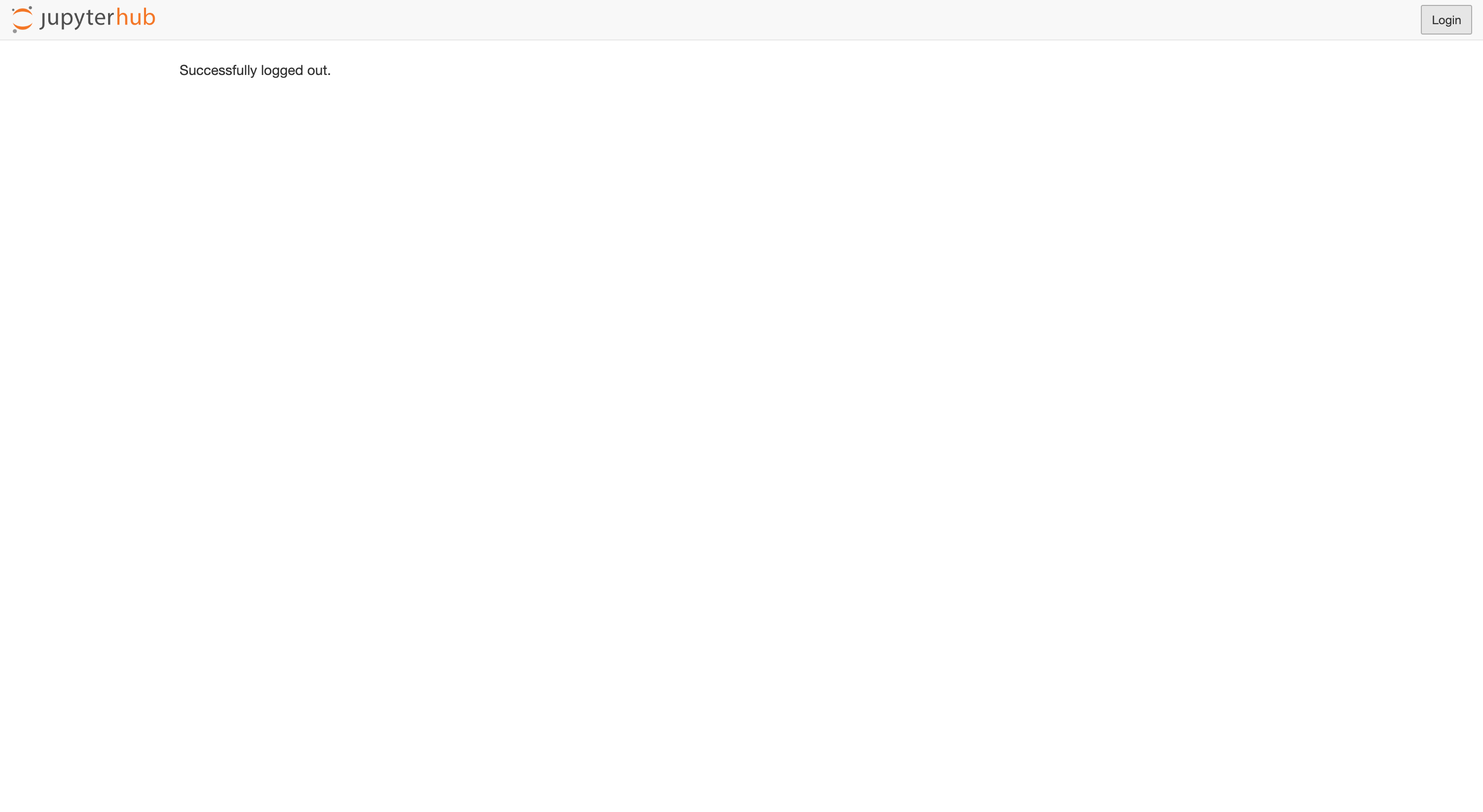
3.) Once you have successfully logged out, click 'Login':
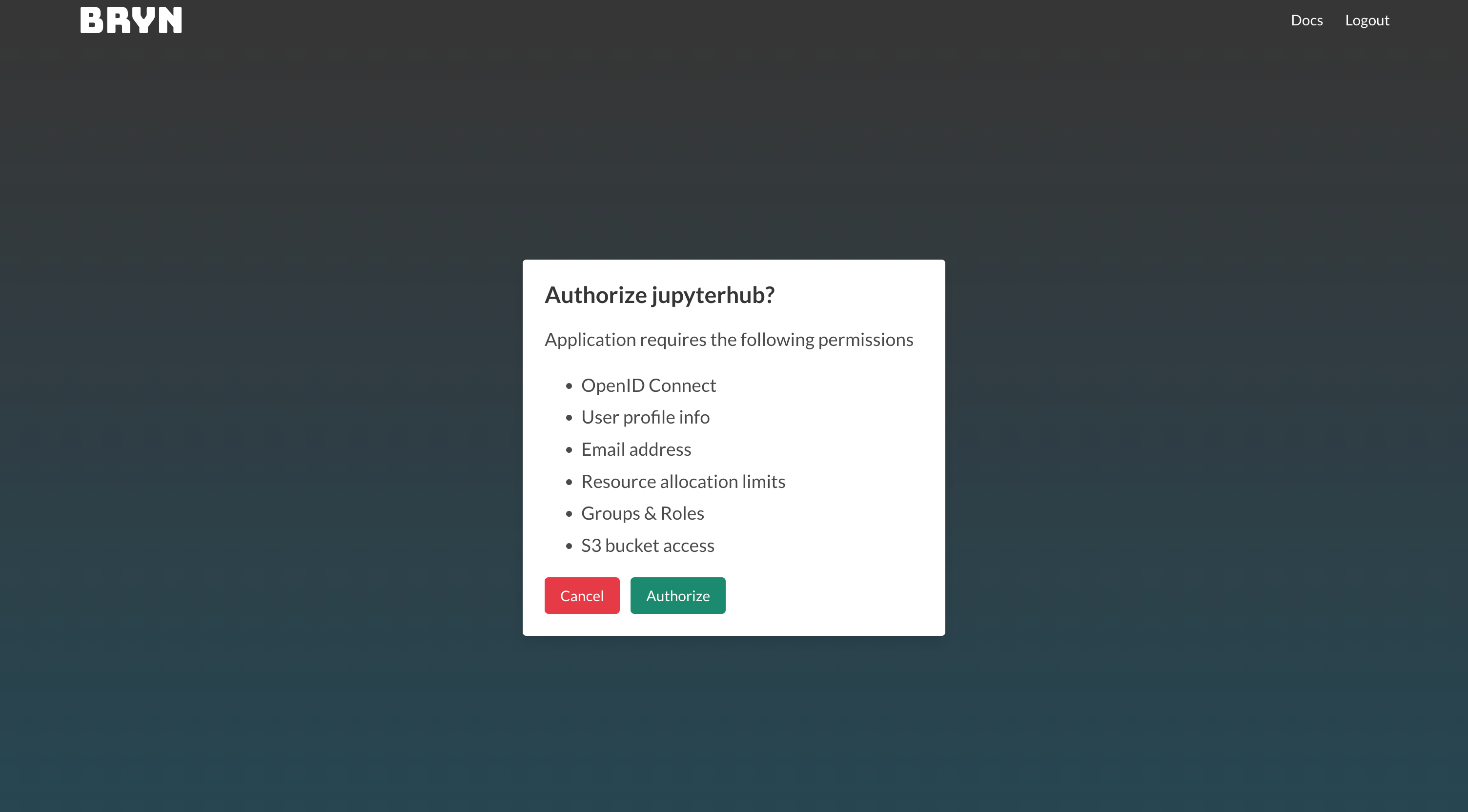
4.) You will then be taken to the BRYN login page. Click 'Authorize':
5.) You will then be able to access the notebook. Enjoy!